
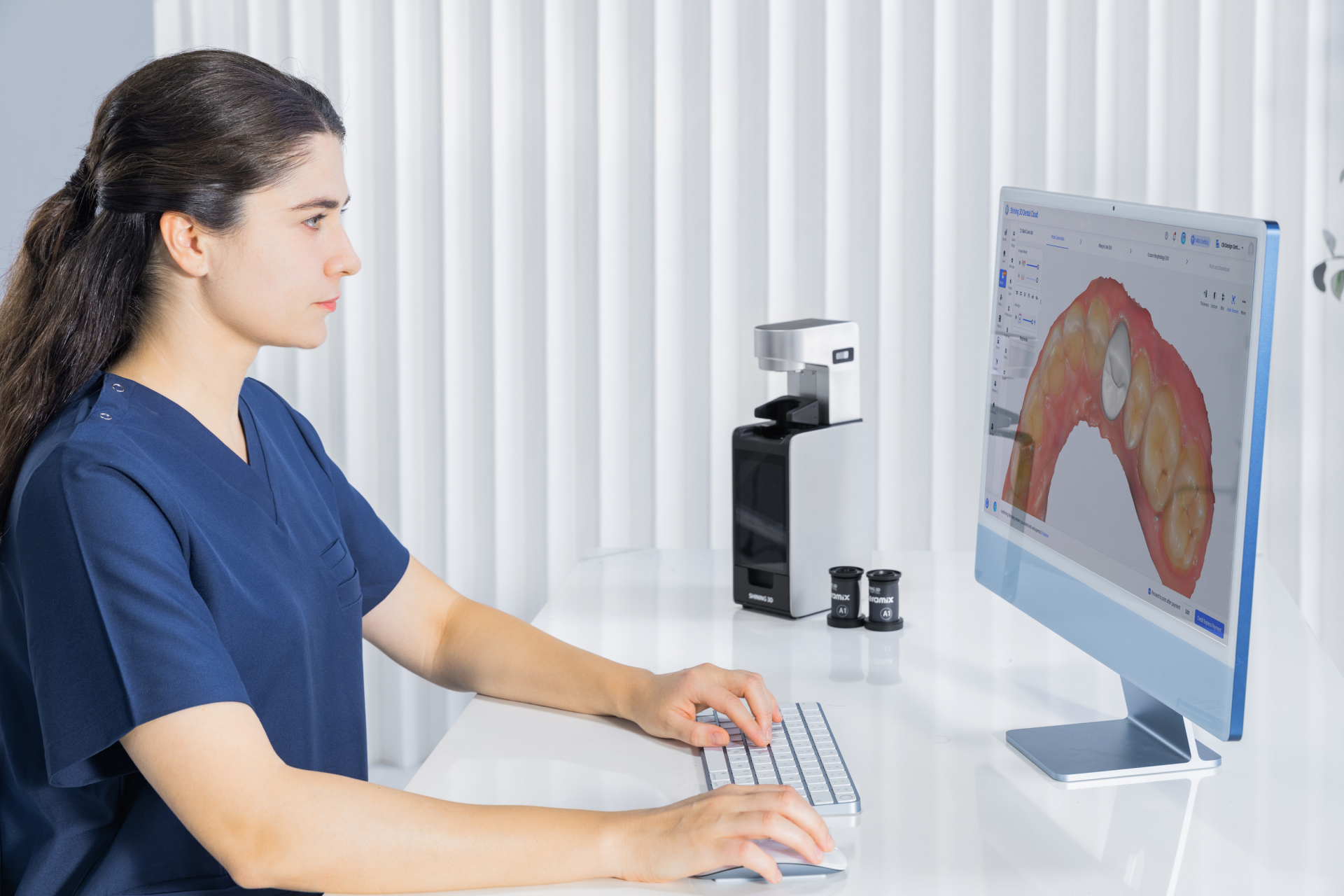
As dental clinics seek to improve treatment efficiency, maintain consistent quality, and strengthen collaboration with dental laboratories, digital technology is becoming an important part of clinical operations. A well designed digital dental workflow connects patient data acquisition, digital design, and manufacturing into a coordinated process, helping dental professionals manage cases with greater consistency and control.
Unlike traditional workflows that rely heavily on physical impressions, manual file transfers, and separate software applications, a connected digital approach allows clinics to work with digital patient data throughout multiple treatment stages. However, successful implementation requires more than purchasing individual devices. Clinics must consider how scanners, design software, manufacturing equipment, and case management systems work together.
What Are the Main Stages of a Digital Dentistry Workflow?
A complete digital workflow in dentistry typically includes three core stages: scan, design, and print. Each stage contributes to the quality and efficiency of the final restoration or dental appliance.
- Scan: Capture Accurate Patient Data
The workflow begins with digital data acquisition. Intraoral scanners capture the patient’s oral structures to create digital impressions that can be used for restorative, implant, and orthodontic applications. For more complex cases, facial scanning and additional data acquisition technologies can provide information that supports treatment planning.
Accurate scanning is essential because errors or missing details at the initial stage may affect subsequent design and fabrication. Clinics should select scanning solutions that suit their clinical applications, staff capabilities, and existing equipment.
Digital impressions also simplify communication with dental laboratories. Instead of shipping physical impressions, clinicians can share digital files for review and processing, helping reduce transportation delays and making case information easier to access.
- Design: Translate Clinical Data into Digital Models
After scanning, the acquired data moves into the digital design stage. CAD software and AI assisted design tools can help dental professionals prepare crowns, bridges, dentures, implant restorations, surgical guides, and other dental applications.
The appropriate design approach depends on case complexity, clinical requirements, and available expertise. Automated tools may help simplify routine cases, while customized design services can support more complex restorative needs.
Regardless of the method, clinicians need to review and approve the proposed design before manufacturing. An efficient digital workflow should make it straightforward to access patient data, communicate design requirements, and make necessary adjustments without introducing unnecessary manual steps.
- Print: Turn Digital Designs into Physical Products
Once a design is approved, compatible manufacturing equipment converts the digital file into a physical dental model, restoration, or appliance. Dental 3D printing supports applications such as surgical guides, dental models, splints, and selected restorative solutions, depending on the printer, material, and validated clinical indication.
For clinics investing in chairside production, an integrated scan, design, and print process can help reduce reliance on external production for suitable cases. Dental laboratories can also benefit from more organized digital files and standardized production procedures.
Material compatibility, printer performance, post processing requirements, and quality control should all be considered when selecting a manufacturing solution.
Common Challenges When Implementing Digital Dentistry
Despite its benefits, adopting a digital dental workflow can present practical challenges. One common issue is fragmented technology. When scanners, design tools, and printers operate in disconnected systems, staff may need to export files manually, switch between applications, and repeatedly confirm case details. These steps can increase administrative workload and create opportunities for errors.
Another concern is staff training. Dental professionals need workflows that are accessible to team members with different levels of digital experience. Clinics should evaluate software usability, technical support, compatibility with existing equipment, and the learning requirements associated with each solution.
Data management is equally important. A reliable system should support organized case records, secure handling of patient information, and efficient communication between clinicians and laboratories. Before adopting a new platform, practices should also verify file compatibility, integration requirements, and applicable data protection obligations.
How SHINING 3D DENTAL Supports an Integrated Digital Workflow
SHINING 3D DENTAL addresses these operational needs through SHINING FLOW, an integrated digital dental ecosystem connecting scanning, design, and printing. The platform is designed to help dental clinics and laboratories reduce workflow fragmentation and coordinate digital processes more efficiently.
The ecosystem combines intraoral scanning solutions, digital design tools, and dental 3D printing systems. Depending on clinical requirements, professionals can select AI assisted design for suitable routine cases or use more customized design approaches for complex applications.
SHINING FLOW supports multiple clinical applications, including crown and bridge restorations, implant dentistry, dentures, orthodontics, personalized splints, and digital smile design. This flexibility allows practices to evaluate digital adoption according to their existing services and future development plans.
For B2B buyers, the value of an integrated solution extends beyond individual device specifications. The ability to connect equipment, software, and production processes can influence staff efficiency, case coordination, and long-term scalability. Clinics should assess the complete workflow, including compatibility, training, maintenance, and the expected volume of digital cases, before making an investment.
How to Choose the Right Digital Dental Workflow
Selecting the right solution starts with identifying operational priorities. Clinics handling a high volume of restorative cases may focus on scanning efficiency, design turnaround, and reliable manufacturing. Implant focused practices may require additional capabilities for capturing implant positions and coordinating restorative data. Laboratories may prioritize file management, production consistency, and communication with multiple clinical partners.
It is also important to calculate the total cost of ownership rather than comparing equipment prices alone. Software subscriptions, materials, staff training, maintenance, production capacity, and integration costs can all affect the business case.
A phased implementation can help practices manage these considerations. Starting with a defined group of clinical applications allows teams to establish procedures, evaluate performance, and identify training needs before expanding to additional services.
Building a More Connected Dental Practice
A successful digital dentistry workflow brings together accurate data capture, appropriate design tools, and dependable manufacturing within a coordinated process. When these elements work together, dental clinics and laboratories can improve case communication, reduce unnecessary manual handling, and build more standardized operating procedures.
For practices planning their next stage of digital transformation, SHINING 3D DENTAL provides an integrated approach through SHINING FLOW. By evaluating clinical requirements, equipment compatibility, and business objectives together, dental professionals can develop a digital workflow that supports current operations while providing flexibility for future growth.
