
High-resolution 3D printing is no longer limited to professional production environments. A capable desktop 3D printer can produce detailed prototypes, models, decorative objects, functional parts, and multi-color designs from a relatively compact workspace. However, choosing the right machine requires more than looking at a single resolution specification.
Print quality depends on several factors, including nozzle control, mechanical stability, layer settings, material properties, and slicing software. Understanding these factors can help users select a printer that matches their actual printing needs.
What Determines Print Quality on a Desktop 3D Printer?
When comparing desktop 3D printers, users often focus on layer height. While layer height affects vertical detail, it is only one part of the overall printing process. A printer also needs accurate motion control, stable extrusion, reliable temperature management, and appropriate slicing parameters.
For detailed models, smaller layer heights can help create smoother curves and preserve fine features. However, extremely small layers can increase printing time without necessarily improving every part of a model. Nozzle diameter also matters because it influences the minimum practical feature size and the amount of material deposited in each pass.
Mechanical stability is equally important. A rigid frame can help reduce unwanted movement and vibration, particularly when printing at higher speeds. Consistent first-layer performance is another important consideration because poor bed adhesion or uneven leveling can affect the entire print.
Which Features Matter Most for High-Resolution Printing?
A useful approach is to evaluate a printer according to the type of objects you plan to create. For miniature models and highly detailed prototypes, precise extrusion and flexible layer settings are important. For larger functional parts, build volume and dimensional consistency may matter more than extremely fine layer settings.
Material compatibility should also be considered. PLA is commonly used for detailed models because it is relatively easy to print and has low shrinkage.
The appearance of the finished part can also influence material selection. For example, WonderMaker 3D offers PLA Matte, which is designed to reduce visible layer lines through its matte surface finish.
Why Slicing Software Matters
The printer itself is only part of the high-resolution printing process. Slicing software converts a 3D model into the instructions that control extrusion, movement, temperature, supports, and other printing parameters.
Good slicing settings can improve dimensional accuracy and surface quality while reducing unnecessary material use. Users should therefore consider whether the printer has suitable profiles and software support rather than evaluating hardware specifications alone.
WonderMaker 3D provides Wonderprint Orca, a slicing solution based on Orca Slicer and optimized for its ZR series. The software includes tools for multi-color mapping, material assignment, path planning, and material profiles designed for the ZR series.
When Should You Consider Multi-color or Multi-Material Printing?
If your projects include models, signs, prototypes, or visual objects with several colors, multi-color capability can reduce the need for separate painting or post-processing.
The WonderMaker ZR uses one toolhead with four-color printing and a 300 × 300 × 300 mm build volume. The ZR Ultra uses four independently heated toolheads, allowing different nozzles and materials to be assigned within the same model. It also provides a 300 × 270 × 290 mm printing size.
These features are particularly relevant for users who want detailed objects combined with multiple colors or materials. Instead of treating color as an additional finishing step, the printer can incorporate it directly into the printing workflow.
How Should You Match a Printer to Your Projects?
The best desktop 3D printer is ultimately the one that fits the intended workload. A hobbyist creating small decorative models may prioritize ease of calibration, material availability, and surface quality. A designer producing prototypes may place greater importance on build volume, dimensional accuracy, material flexibility, and software control.
Users should also consider how much post-processing they are willing to perform. A printer that produces consistent first layers and stable surfaces can reduce sanding, support removal, and other finishing work. At the same time, material choice and model design remain important, so no printer can eliminate the need for appropriate preparation.
Where WonderMaker 3D Fits
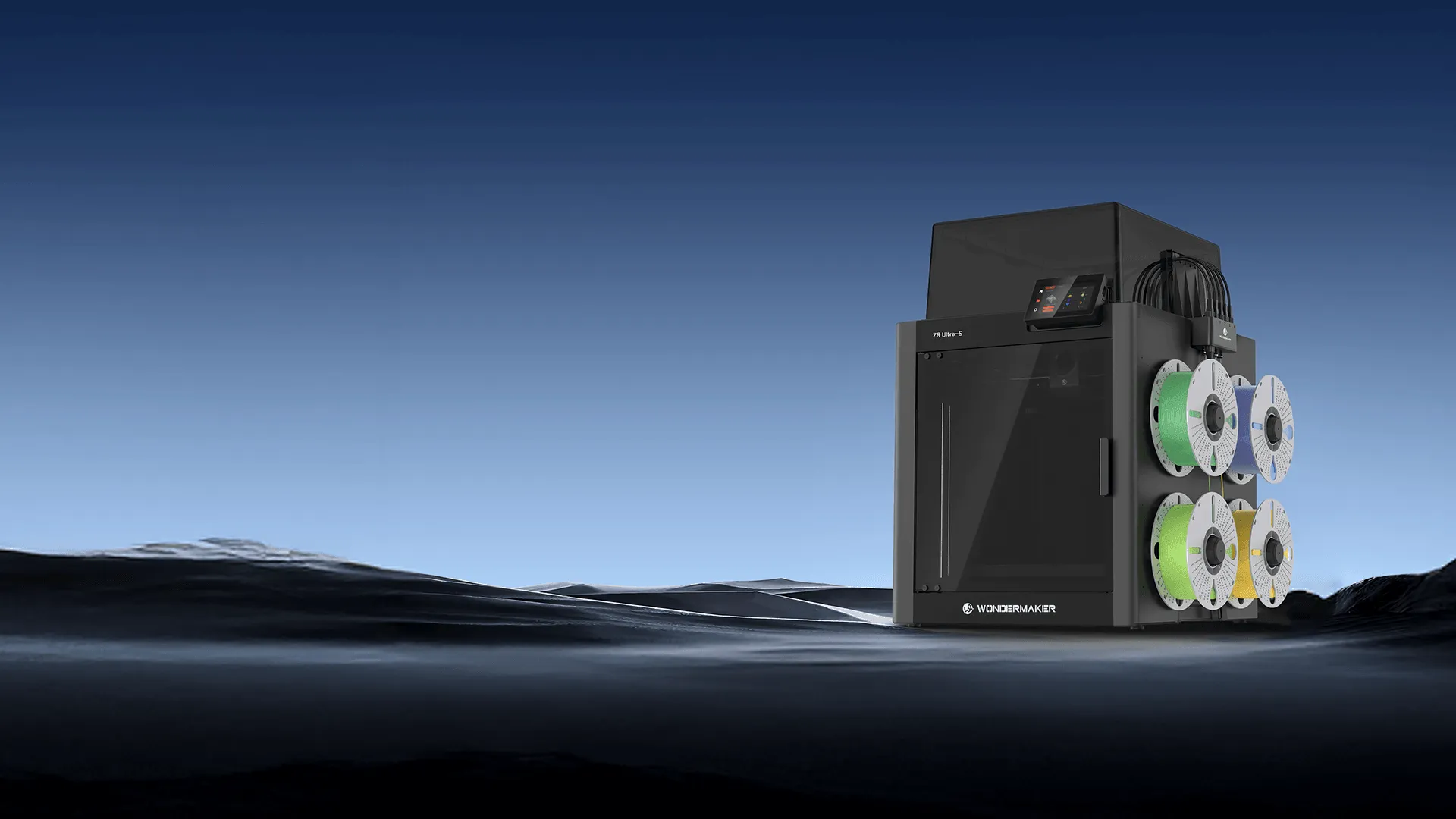
WonderMaker 3D focuses on desktop multi-color and multi-head 3D printing. Its current range includes the ZR, ZR Ultra, and ZR Ultra S. The ZR Ultra S features four toolheads, a 60°C chamber, a 300 × 270 × 290 mm printing size, and a HEPA 13 air filter according to the official website.
For users who want more than basic single-material printing, these options provide a combination of larger build areas, multi-color capabilities, and software designed around the printer system. The important consideration is not simply choosing the printer with the most specifications, but identifying which capabilities directly support the models and materials you plan to use.
Making a Practical Choice
Choosing a desktop 3D printer for high-resolution work requires looking beyond advertised resolution numbers. Layer height, extrusion control, mechanical stability, materials, build volume, and slicing software all contribute to the final result.
For users focused on detailed models, prototypes, or multi-color projects, comparing these factors together provides a more realistic picture of printing performance. A well-matched printer can make detailed printing more consistent while keeping the workflow practical for everyday use. WonderMaker 3D is one option worth considering for users who specifically want desktop printing combined with multi-color and multihead capabilities.
